Overview
This sample post is designed to verify how Markdown elements render inside a project page. It includes regular paragraphs, emphasis, links, lists, tables, code blocks, blockquotes, images, and a collapsible section on one page.
Within a paragraph, you can check bold text, italic text, strikethrough text, and inline code. Links render like Portfolio Home.
Headings
H3 Heading
This paragraph sits under an H3 heading. It is short enough to make heading and paragraph spacing easy to inspect.
H4 Heading
This paragraph sits under an H4 heading. If the theme does not define a custom H4 style, the browser default or inherited style may be visible.
Lists
Unordered list:
- Gameplay loop
- Level design
- Technical art
- UI polish
Ordered list:
- Prototype the mechanic
- Test the interaction
- Tune the feedback
- Ship the build
Nested list:
- Player
- Movement
- Camera
- Combat
- World
- Lighting
- Navigation
- Checkpoints
Task list:
- Markdown preview content
- Syntax highlighting sample
- Final PDF inspection
Blockquote
Good feedback is visible, audible, and timely. The player should understand what happened before they need to ask why.
Table
| Area | Goal | Status |
|---|---|---|
| Input | Responsive movement | Done |
| Combat | Readable hit timing | In progress |
| UI | Clear status feedback | Review |
| Build | Export-ready package | Planned |
Code
JavaScript sample:
const player = {
  name: "Alpha",
  health: 100,
  inventory: ["key", "map", "torch"],
};

function applyDamage(target, amount) {
  target.health = Math.max(0, target.health - amount);
  return target.health;
}

console.log(applyDamage(player, 24));
Python sample:
from dataclasses import dataclass

@dataclass
class Quest:
    title: str
    completed: bool = False

quest = Quest("Find the hidden gate")
print(f"{quest.title}: {quest.completed}")
C++ sample:
#include <iostream>
#include <string>

int main() {
    std::string message = "Hello from C++";
    std::cout << message << std::endl;
    return 0;
}
Media
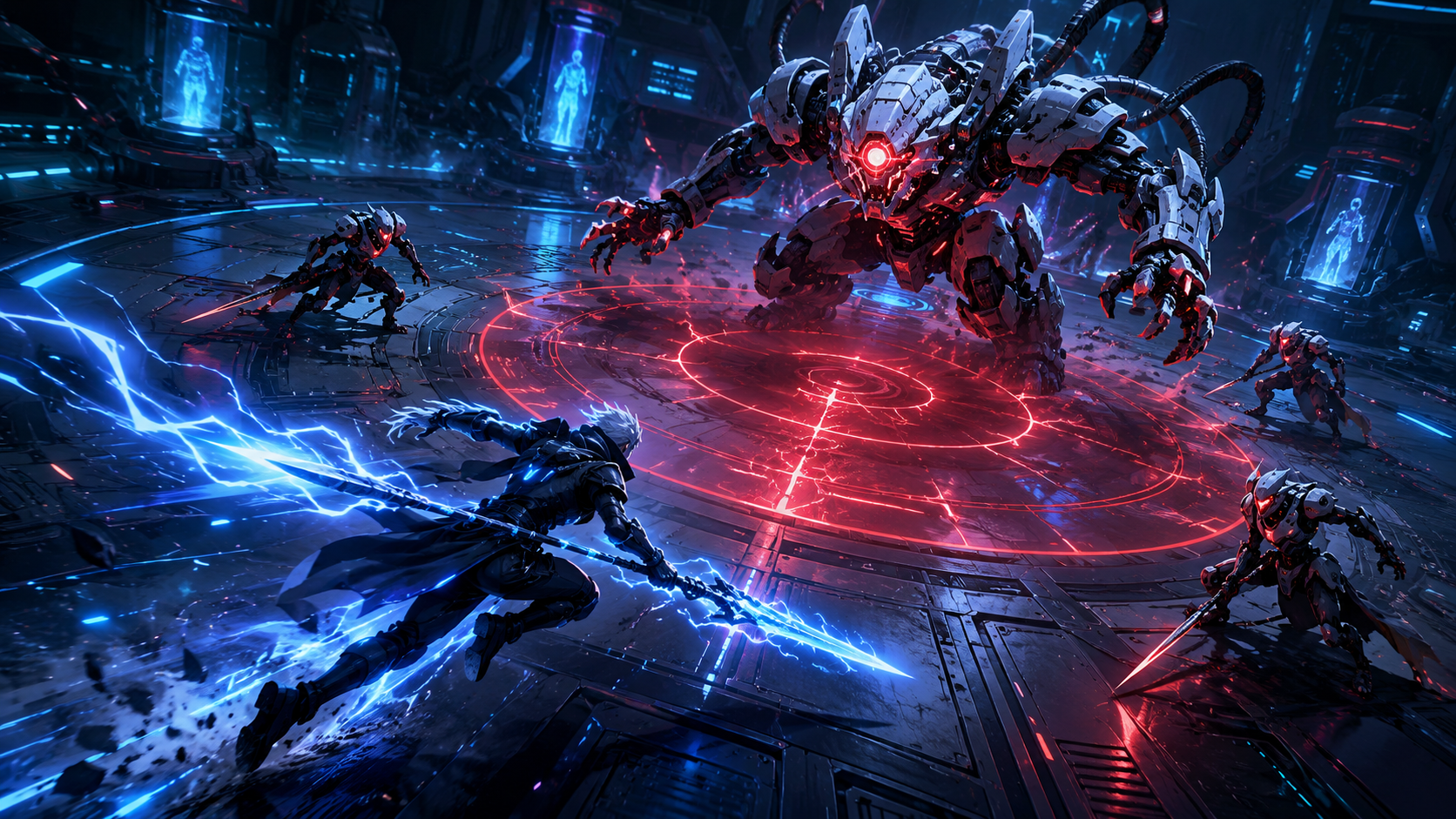
This image is included to check image rendering and print sizing.
Details
Implementation Notes
This section checks how an HTML details element appears inside Markdown content. - Collapsed and expanded states - Internal paragraph spacing - Nested list renderingHorizontal Rule
This is the final paragraph. Use it to inspect the horizontal rule above, paragraph spacing, and the bottom spacing of the post.